

Get expert help from the iSyncSF team. Submit a ticket, track your cases, and get back to migrating data faster.
4.7★
AppExchange Rating
100%
Certified Support Consultants
24/7
Portal Access Anytime
10x
Faster Than Manual Migration
- Get Started
Choose the option that best describes what you need — our team is ready.

Submit a Support Ticket
Report bugs, sync errors, integration issues, or ask our Salesforce-expert team any question. Fill in the guided form for the fastest resolution.
Track My Cases
Log in to the support portal to view the live status of all your open tickets, add comments, and see the full history of your cases.
Email Us Directly
For urgent production outages
or if you can’t access the portal, email our team directly. All emails create a tracked support ticket.
How can we help you today?
Choose the option that best describes what you need — our team is ready.
Submit a Support Ticket
Report bugs, sync errors, integration issues, or ask our Salesforce-expert team any question. Fill in the guided form for the fastest resolution.
Track My Cases
Log in to the support portal to view the live status of all your open tickets, add comments, and see the full history of your cases.
Email Us Directly
For urgent production outages or if you can’t access the portal, email our team directly. All emails create a tracked support ticket.
Submit a Support Ticket
Need assistance? Submit a support ticket and our technical team will review your request promptly.
Track Your Case
Already submitted a request? Track your support case using your ticket ID to view the latest status and updates from our support team.
- How It Works
From ticket to resolution in 4 steps
You submit, we triage, we fix, you confirm. Simple and transparent the whole way through.
Submit a Ticket
Fill in our guided form with your Salesforce Org ID, environment, and issue details.
We Acknowledge
You instantly receive a confirmation email with your ticket number and SLA window.
We Investigate
Our team triages, assigns priority, and begins working on your issue immediately.
Issue Resolved
You receive the fix or answer. Confirm it works and we close the ticket together.
Submit a Support Ticket
Need assistance? Submit a support ticket and our technical team will review your request promptly.
Track Your Case
Already submitted a request? Track your support case using your ticket ID to view the latest status and updates from our support team.
- FAQ
Common questions
Can’t find your answer? Submit a ticket and we’ll get back to you.
Where do I find my Salesforce Org ID?
In Salesforce, go to Setup → Company Information → look for the “Salesforce.com Organization ID” field. It is an 18-character ID starting with “00D”. Always include this when submitting a ticket — it helps us look up your account instantly.
Do I need an Atlassian account to submit a ticket?
Yes — our support portal is powered by Atlassian. You need a free Atlassian account to submit and track tickets. Sign up in 2 minutes at id.atlassian.com/signup using your work email, then log into our portal. You can also email us directly at support@isyncsf.com and we will create a ticket for you.
How do I report a production outage (P1)?
For P1 production outages, submit a ticket via the portal and select “Critical” severity — this immediately alerts our entire support team. You can also email support@isyncsf.com with “P1 URGENT” in the subject line. Our team will prioritise your case immediately.
Can I track the status of my ticket without logging in?
You will receive email updates at every stage — when we acknowledge, when we are working on it, and when it is resolved. To view full ticket details, add comments, or see your complete history, you will need to log in to the portal with your Atlassian account.
What information should I include when reporting a sync issue?
For sync issues, please include: your Salesforce Org ID, whether the issue is in Production or Sandbox, your iSyncSF version, the Salesforce objects affected, any error messages (copy the exact text), and the date/time the issue started. Screenshots and log files are also very helpful — you can attach them directly in the ticket form.
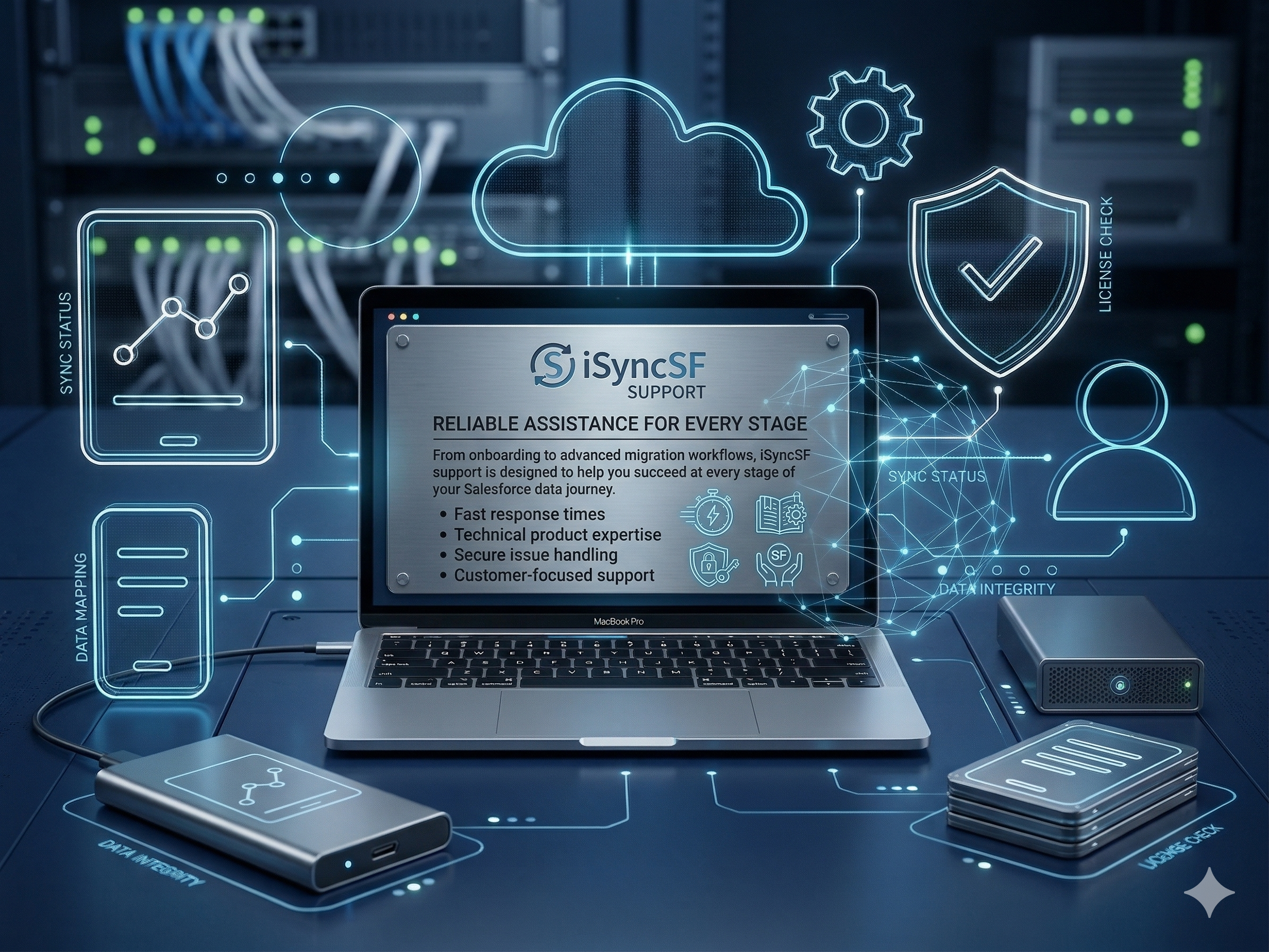
Reliable Assistance for Every Stage
From onboarding to advanced migration workflows, iSyncSF support is designed to help you succeed at every stage of your Salesforce data journey.
- Fast response times
- Technical product expertise
- Secure issue handling
- Customer-focused support
We're here to help you sync without limits
Get expert help from the iSyncSF team. Submit a ticket, track your cases, and get back to migrating data faster.