Salesforce CPQ Data Migration: A Practical Guide for Admins
By the iSyncSF team3 min read
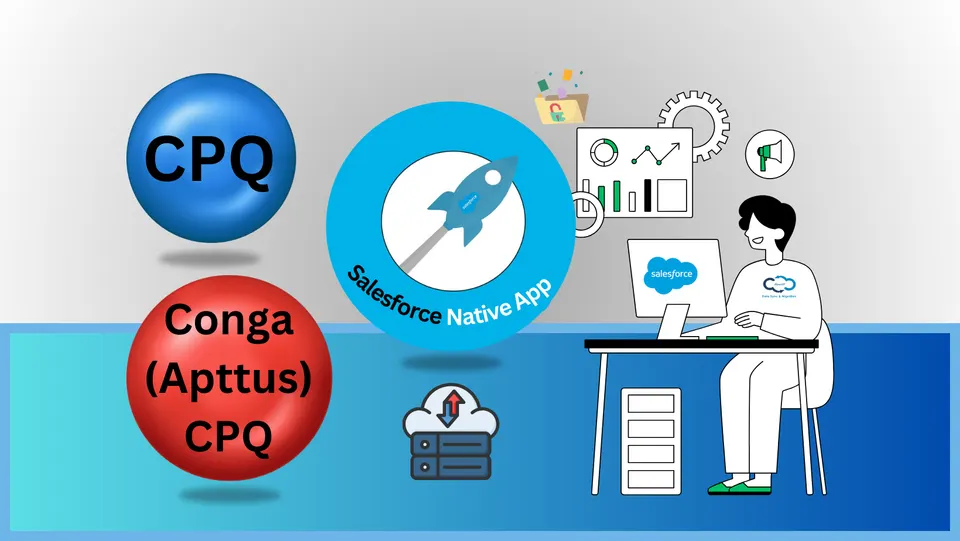
Salesforce CPQ is where pricing, products and quoting meet, and it is one of the hardest kinds of data to move between orgs. A new product family, a pricing change or a new discount rule usually starts in a sandbox, and getting it into production intact is a release in its own right. This guide covers what makes CPQ data difficult, what has to move together, and how to promote CPQ changes through your environments without spreadsheets.
Why CPQ data is hard to migrate
- Highly interrelated objects. A product depends on features, options and option groups; price rules depend on their conditions and actions; price book entries depend on products.
- Managed package objects. Salesforce CPQ objects live in a managed package (the
SBQQ__namespace), alongside your custom objects. - Revenue at stake. One wrong price rule or template can disrupt quoting and contracts, and mistakes in quoting data affect revenue and customers directly.
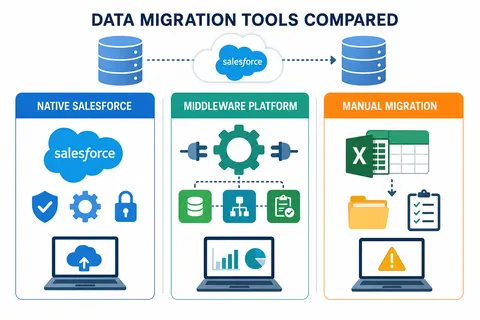
- Manual methods. Teams often move CPQ data with exports, scripts and trial and error, release after release.
What has to move together
CPQ configuration only works when the whole set arrives together and correctly linked. Depending on your setup, that includes:
- Products, product features, product options and option groups
- Attributes, price lists and price matrices
- Price rules and constraint rules, with their conditions and actions
- Price books, price book entries and discount schedules
Load order matters
Every record gets a new ID in the target org, so parents have to be created before the records that point at them. For a CPQ catalog, iSyncSF works out an order such as this one, and re-links each lookup to the new IDs as it goes:
- Product (
Product2) - Product feature and product option, re-linked to their product
- Price rule, then price condition, re-linked to its rule
- Price book entry, re-linked to its product
You do not have to define this sequence or maintain VLOOKUP sheets between steps.
Promote one release at a time
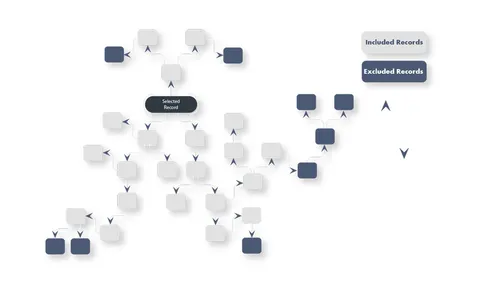
You rarely want to move the whole catalog. With iSyncSF you pick exactly the records for a release with a query, such as one product family, and iSyncSF brings the related features, options and rules with them. New products, pricing rules or discount logic can then be promoted from a sandbox to production as one tested job.
Templates you run every release
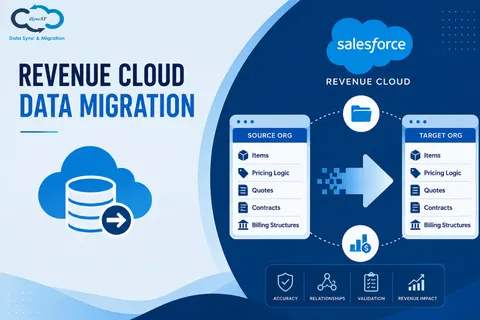
A migration is saved as a template: the objects, the records to pick and the mapping. Fields map automatically unless you want to move data to a different object or field. Run the template again on demand or on a schedule, so the next release reuses the same tested job. iSyncSF also includes prebuilt templates for Salesforce CPQ, Conga CPQ, Revenue Cloud and nCino.
Keep every environment aligned
Pricing configuration drifts quickly between production, UAT and test orgs. iSyncSF can sync the records you choose, such as price books, products, price book entries and discount schedules, from production to your test orgs on demand or on a schedule, so QA and UAT always quote with current pricing.
Safety checks for revenue data
- Automation under control. Switch workflow rules, validation rules and triggers off and on in one click around a run.
- Full logs. Every record is logged, source against destination, with errors captured.
- Rollback. If something fails, roll back the run: iSyncSF deletes the records it created and restores the field values it changed, or isolate the errors.
- Custom logic. Run your own code during a sync for business rules unique to your org.
- Data stays in Salesforce. iSyncSF is a 100% native app, so CPQ data moves directly between your orgs with no external servers or middleware.
What CPQ teams say
"Now, with iSyncSF, it's as simple as writing a query. … This tool has significantly improved our deployment speed, reduced manual effort, and eliminated migration errors."
Nirmal, Product Owner, Salesforce & Business Systems (Medical Devices & Digital Dentistry), on AppExchange
"We've had great success at migrating a very complex related records data set to support our Conga CPQ implementation using iSyncSF."
Cezar, Platform & Solution Architect (Heavy Equipment Sales, Rental & Services), on AppExchange
Next steps
Read how iSyncSF supports CPQ and other complex apps, see the Revenue Cloud data migration guide, or install iSyncSF from Salesforce AppExchange for a 15-day free trial.